Rebuilding a 2017 React SPA as a static Astro site
The old site shipped a JavaScript bundle to show a name, a list of projects and a contact form. Nothing on it changed between visits, so nothing on it needed to run in the browser.
Astro builds every page to plain HTML at deploy time. A post is one MDX file with a typed header, and a wrong field fails the build before it is deployed.
A post is a file
const blog = defineCollection({
  loader: glob({ pattern: "**/*.{md,mdx}", base: "./src/content/blog" }),
  schema: ({ image }) =>
    z.object({
      title: z.string(),
      date: z.coerce.date(),
      tags: z.array(z.string()),
      thumbnail: image().optional(),
      draft: z.boolean().default(false),
    }),
});
Tags turn into the coloured badges at the top of this page, and each one gets its own listing page. The thumbnail is resized and converted at build time, so the source can be a full-size screenshot.
Before and after
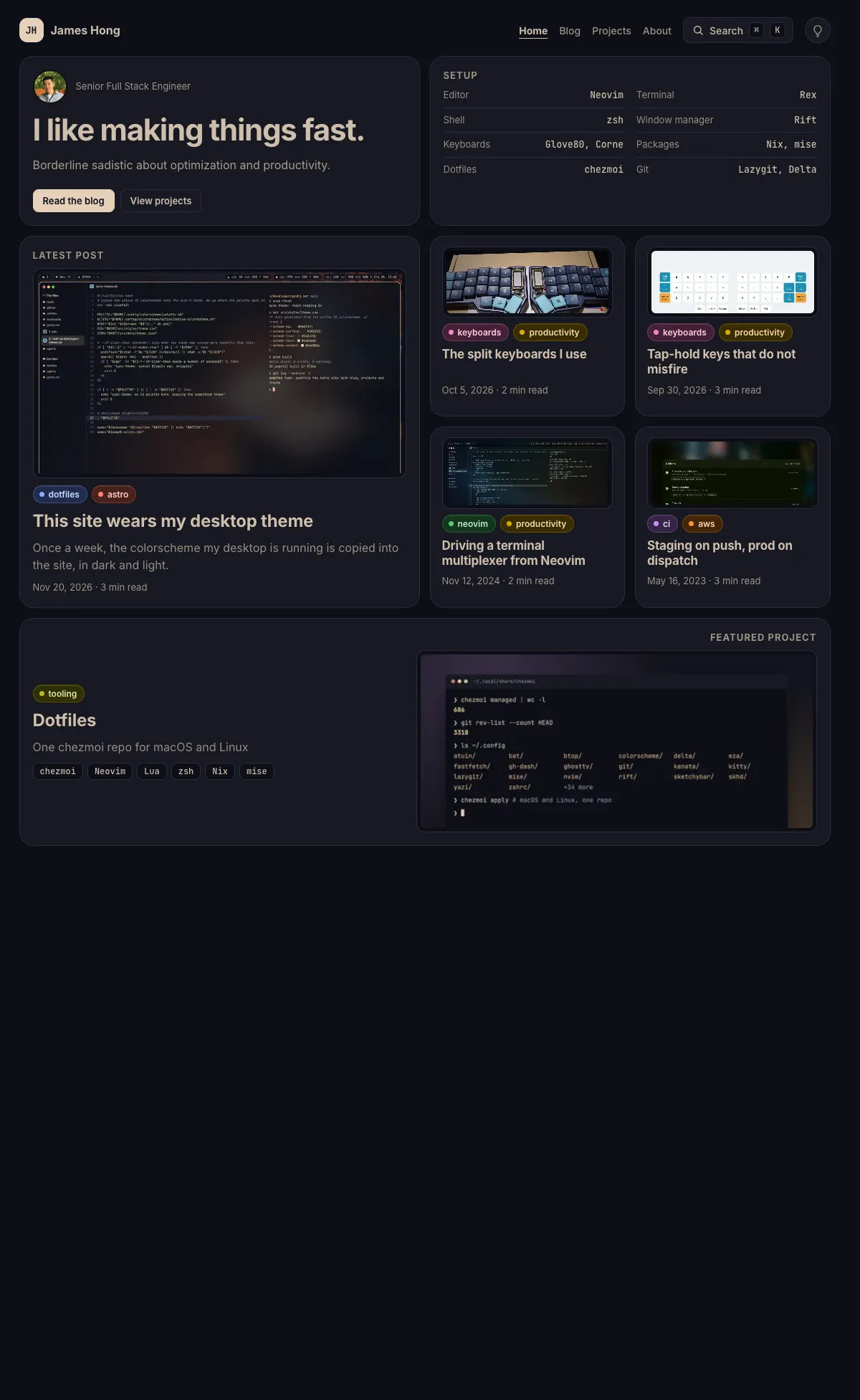
The main image on this post is the old home page: a logo, a banner asking whether you were looking for a full stack developer, and a row of projects. This is the new one.
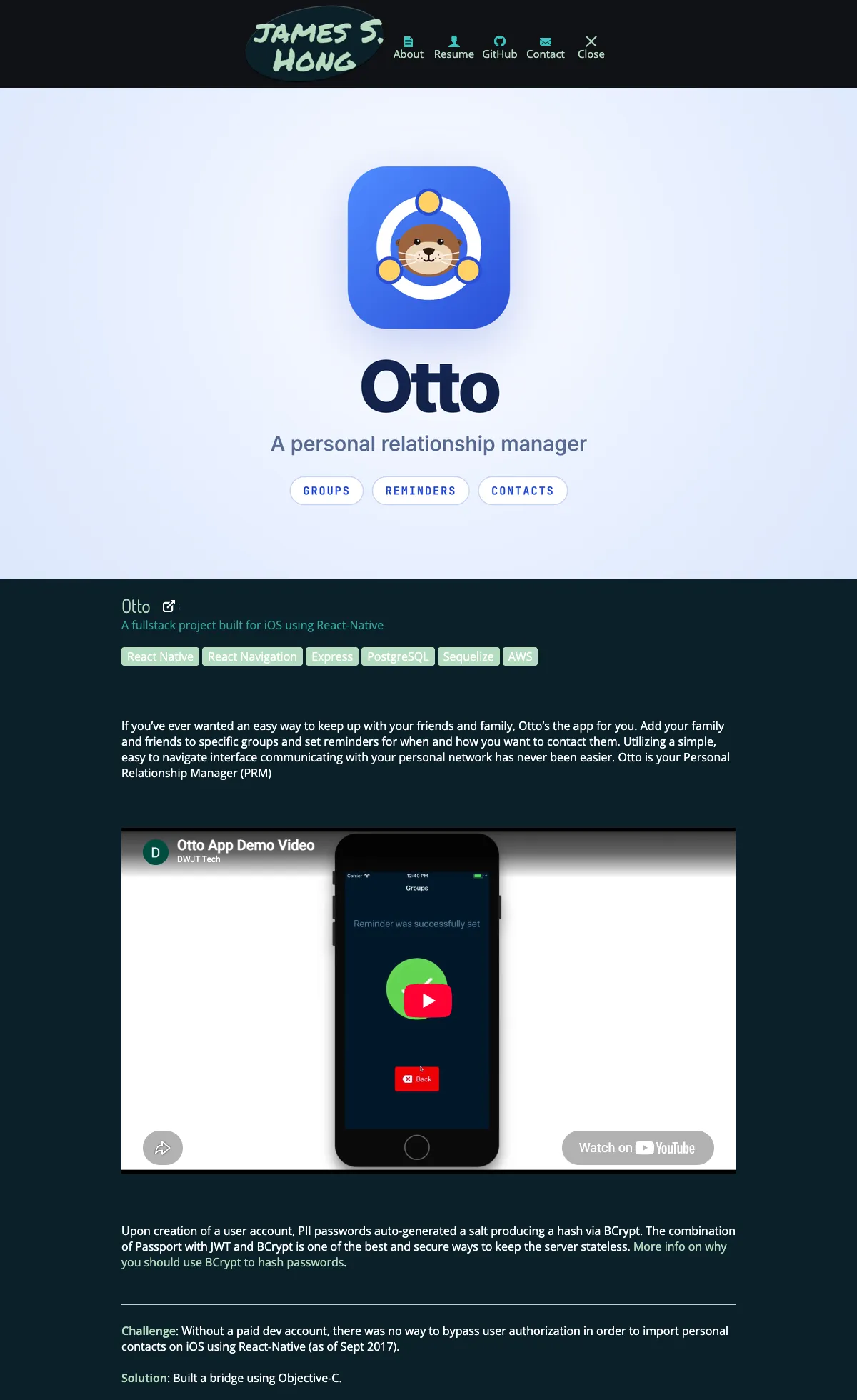
A project page shows the difference best. Here is Otto on the old site:
And the same project on the new one:
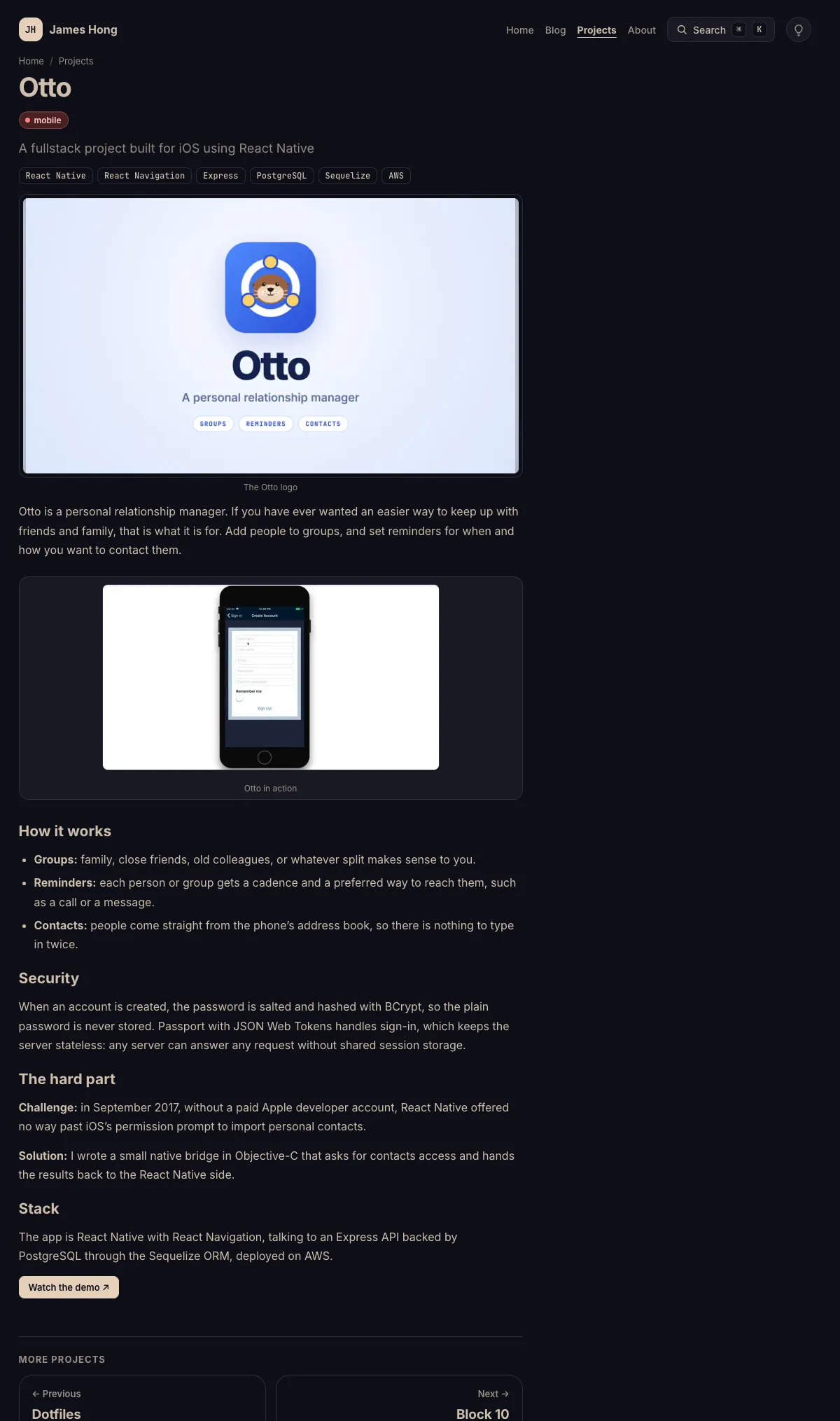
| On a project page | Old site | New site |
|---|---|---|
| How it renders | In the browser, after a script loads | Plain HTML, built ahead of time |
| Cover image | Stretched full width and cropped | Shown whole, and opens larger when clicked |
| Demo video | A YouTube player embedded in the page | A button that links to the video |
| Finding your way | A Close button in the header | A back link, tags and a next project card |
| Adding a project | An HTML fragment plus an entry in JSON | One Markdown file with a typed header |