My desk: one Mac, one Linux box, three screens
What is on the desk
| Thing | What it is |
|---|---|
| Laptop | MacBook Pro, the machine I sit at |
| Right monitor | Mounted above the laptop, driven by the Mac |
| Left monitor | Connected to the Linux box |
| The black cube | A mini ITX PC I built a few years ago |
| Keyboard | A wireless Corne, in two halves |
| Mouse | An MX Master, for when the keyboard is not enough |
The screen I actually use
Most of my day happens on one screen: the monitor directly above the laptop.
Stacking it over the laptop, and not beside it, means I look up and down and never sideways. The laptop’s own screen holds whatever I want to glance at, and the monitor above holds the thing I am doing.
The Linux box
The left monitor belongs to a different computer.
It is a mini ITX build with an AMD Ryzen 9 3950X and 64 GB of RAM. The graphics card is an EVGA GTX 1070, which was old when I put it in and is slow by any current measure.
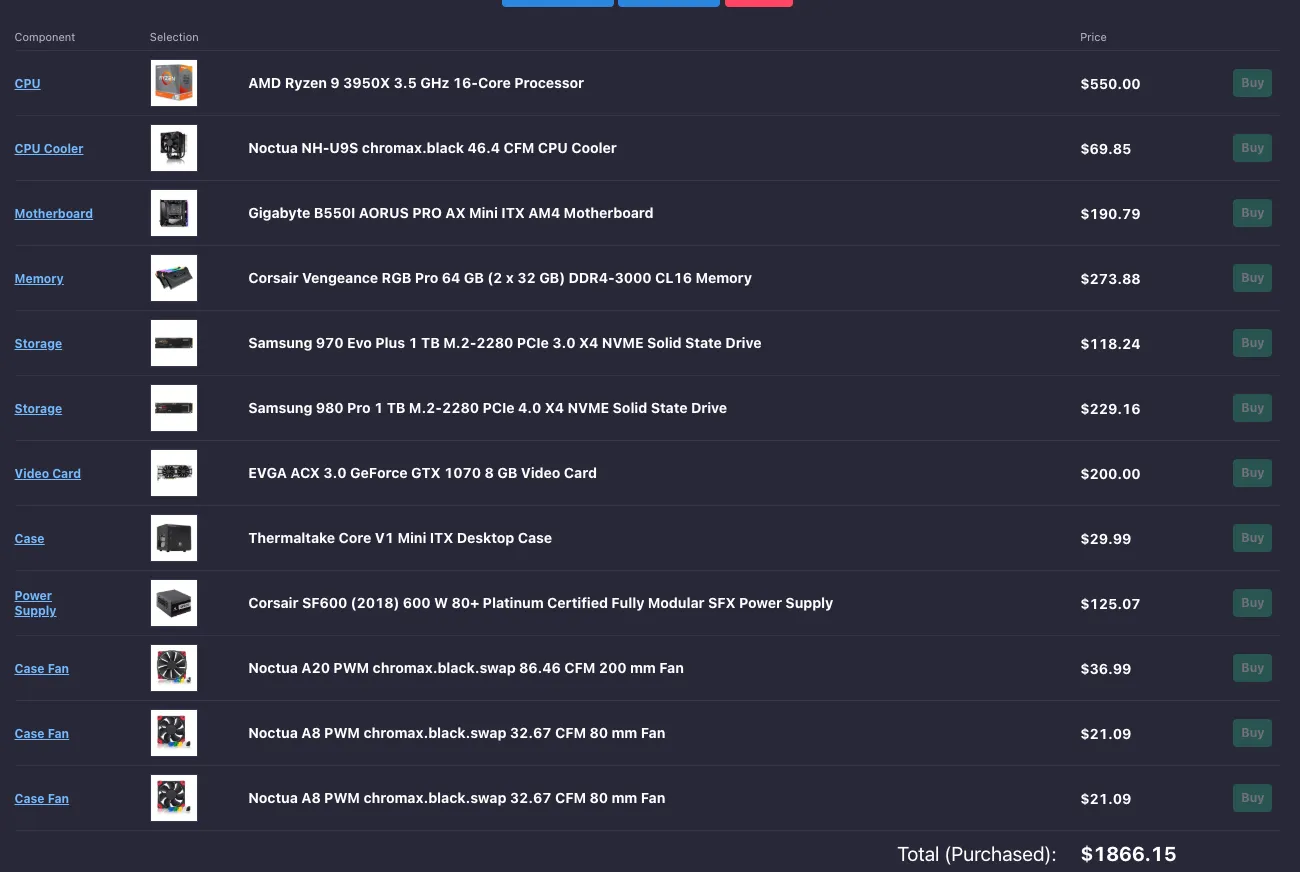
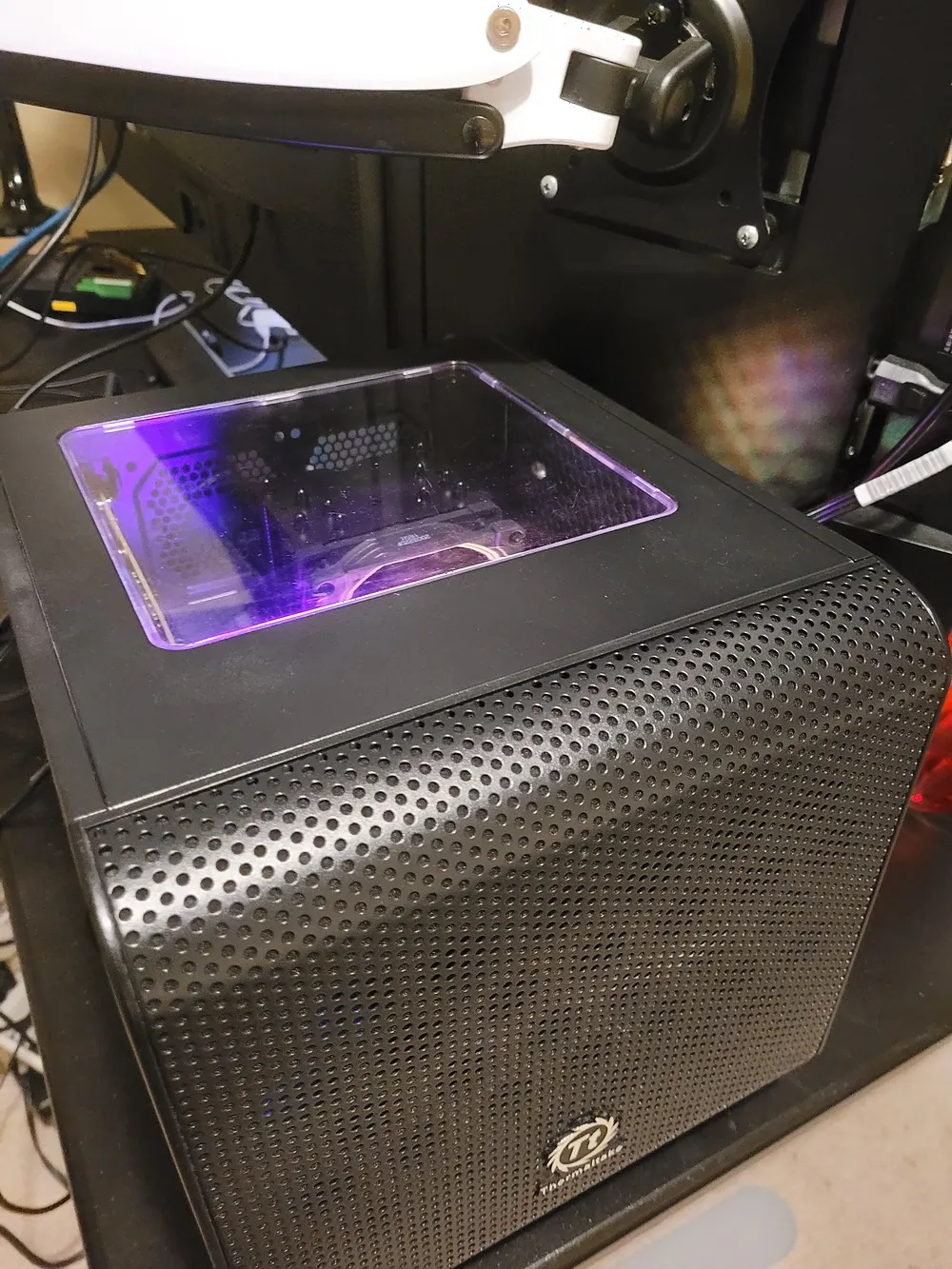
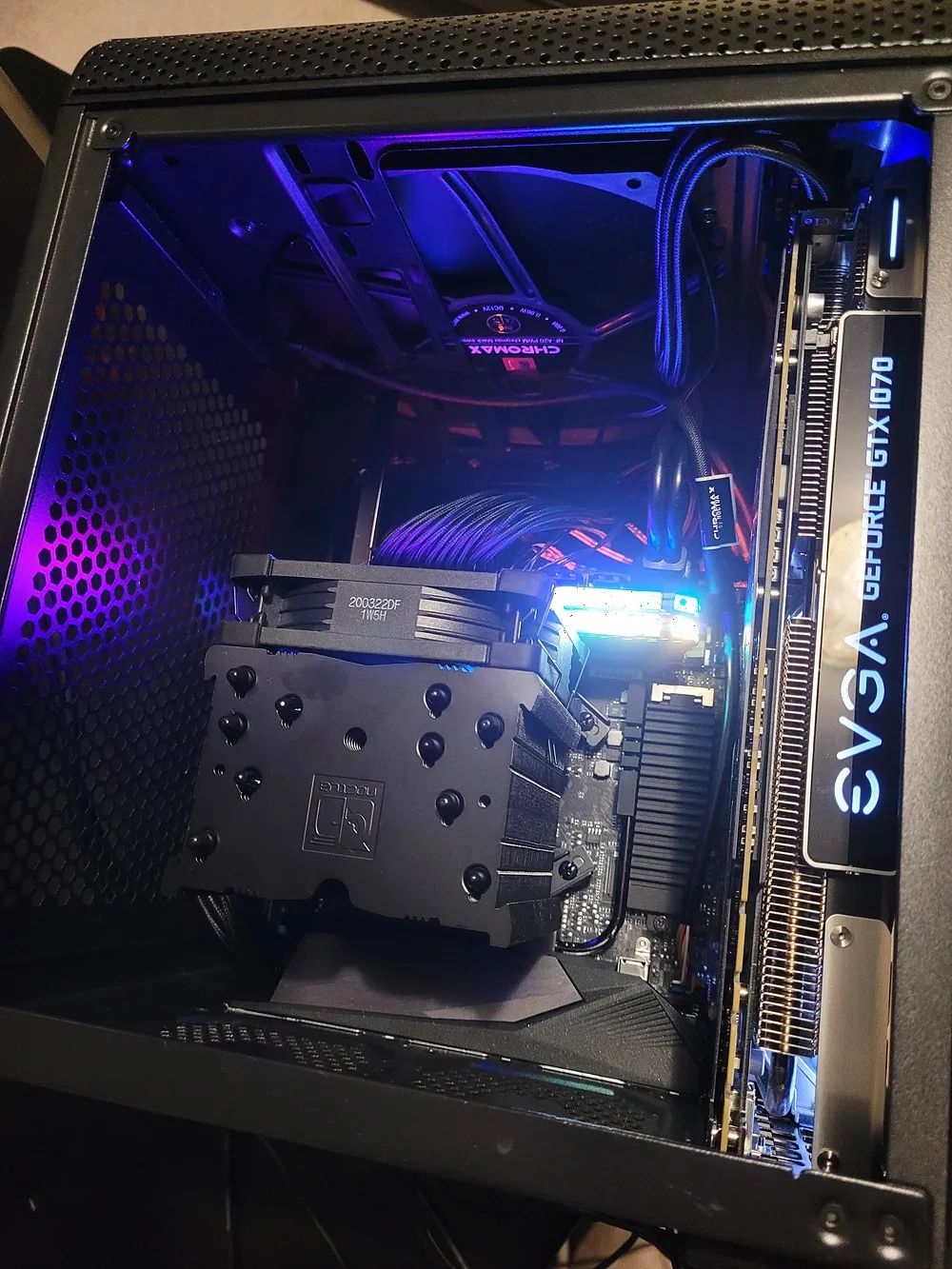
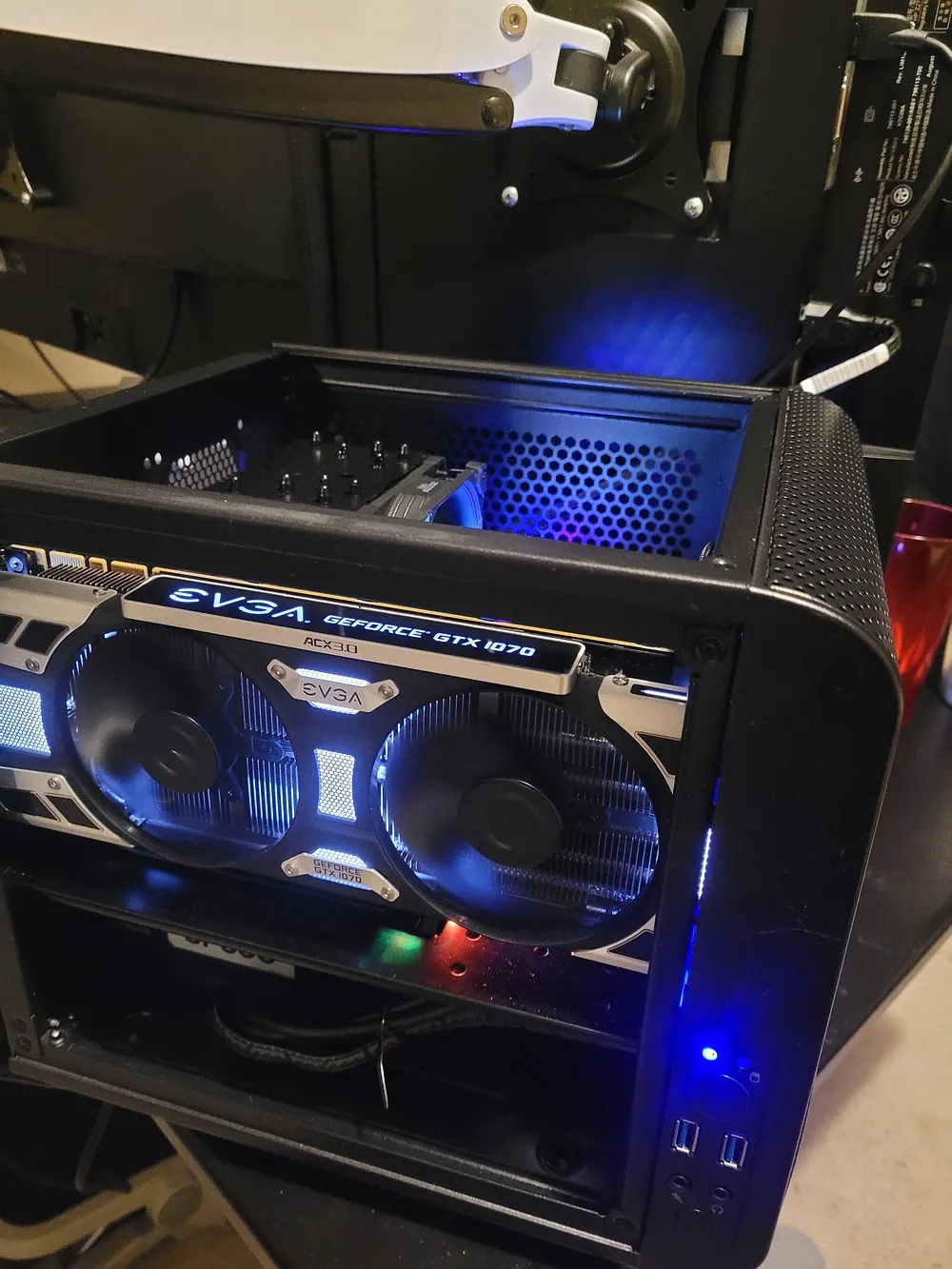
So it is capable, not powerful. Sixteen cores and plenty of memory are what builds, containers and long-running agents want. None of that needs a fast graphics card.
It runs Omarchy, which is Arch Linux with Hyprland already set up.
Why have a second machine at all
It does the work I do not want on my laptop:
- Long jobs. A build or an agent can run for hours without my laptop’s fans or battery noticing.
- Always on. It keeps going when the laptop lid is closed, and I can pick the session back up from anywhere.
- A real Linux. Some things are simply easier to test on the system they will run on.
I think of it as my own VPS that happens to sit a metre away. The two machines talk over Tailscale, so it makes no difference whether I am at the desk or not.
The agents run there
My AI coding agents run on the Linux box, not on the laptop.
An agent working through a task can take a long time, and it wants a machine that stays awake. On the box it keeps going while I close the laptop, walk away, or sleep. The work is waiting when I come back, and nothing was competing with it for battery.
Checking in from my phone
Because every session runs inside a terminal multiplexer, a session is not tied to the screen that started it. Any device that can reach the machine can attach to the same session and see exactly what I would see at the desk.
That includes my phone.
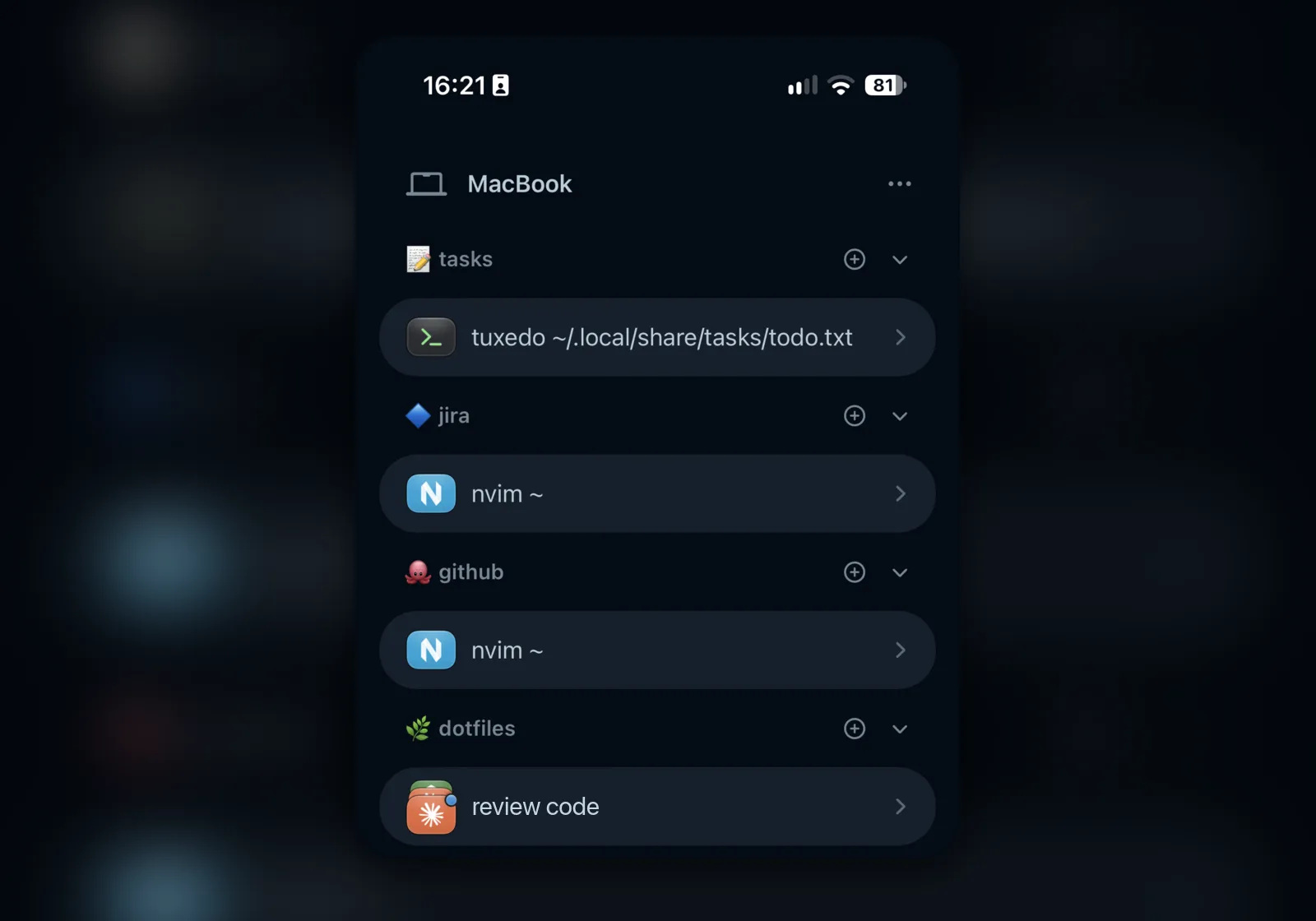
Each row is a live session. I can open one, read what an agent has done, answer a question it is waiting on, and put the phone away again.
I do not write code on a phone. What I do is unblock things: an agent that needs a yes or no should not have to wait until I am back at a keyboard.
The same setup on both
Both machines are configured from one dotfiles repo, so the editor, shell and keybindings are identical. I wrote about that in One dotfiles repo for macOS and a Linux VPS.
When this photo was taken I was running my terminal sessions through a multiplexer called herdr. I have since moved off it, which was a one-file change in my editor config, for reasons I covered in Driving a terminal multiplexer from Neovim.
How it got here
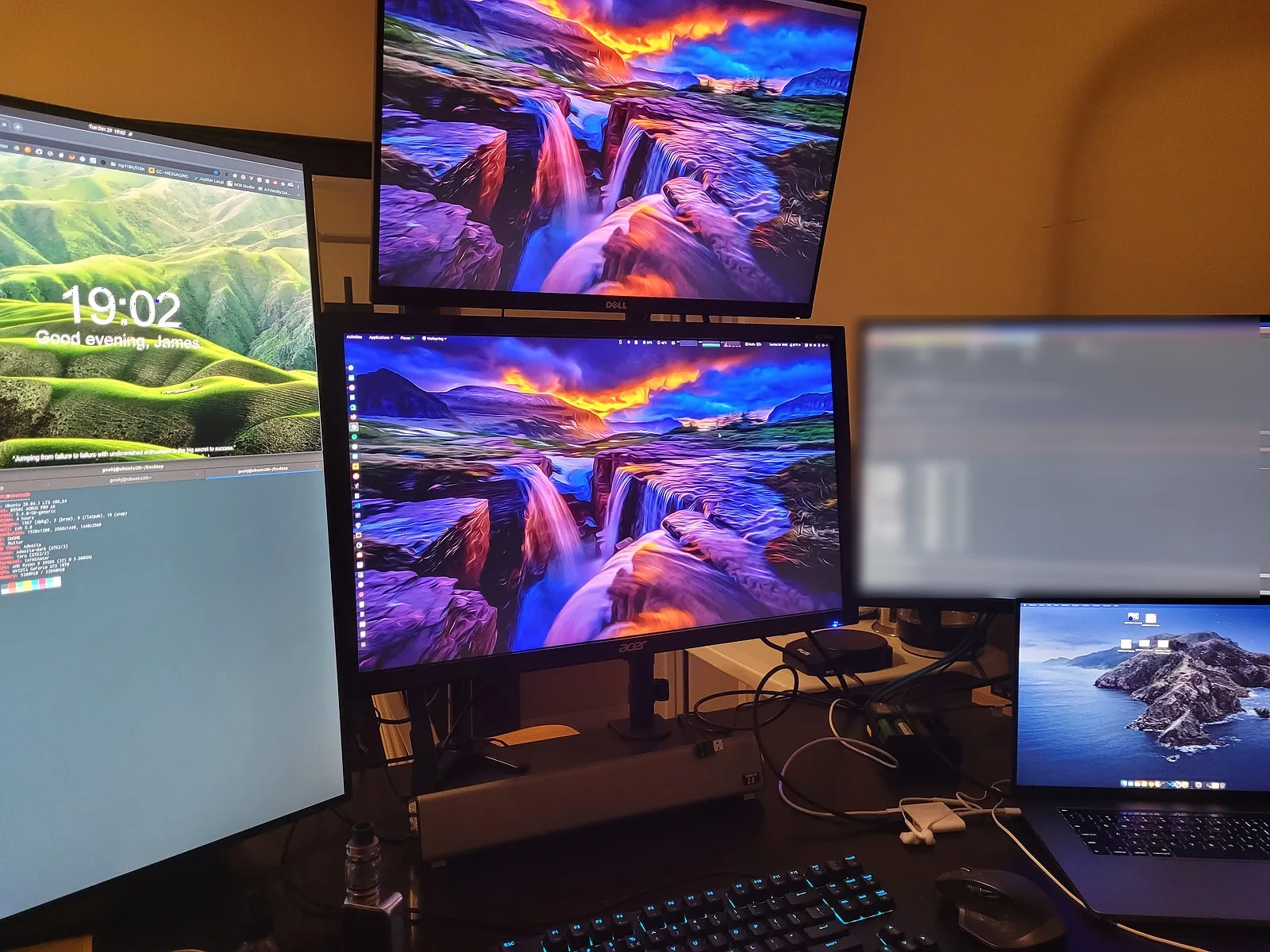
The desk has shrunk over the years. At the end of 2020, right after I built the Linux box, it drove four monitors on its own, with the MacBook off to the side.
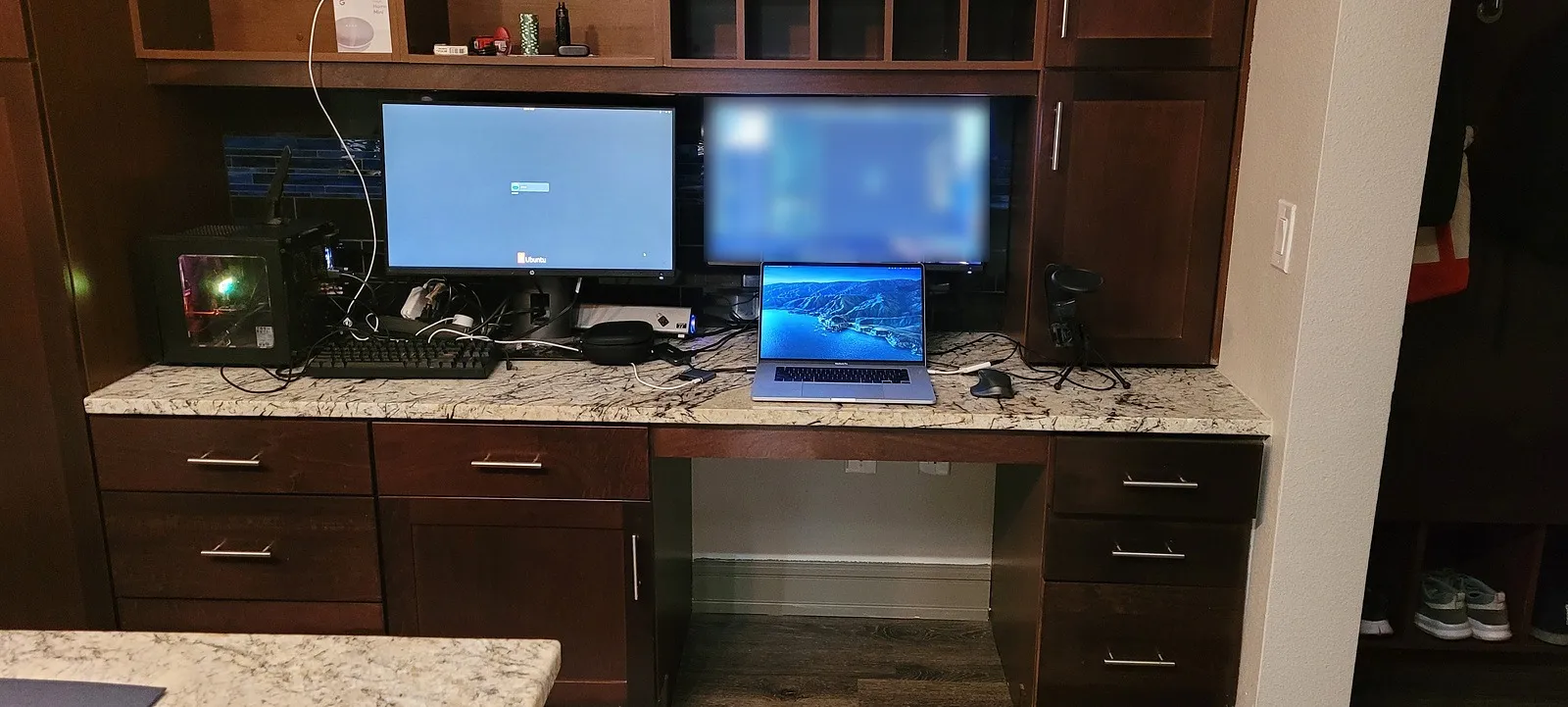
By the end of 2022 it was down to the two HP monitors and the laptop, with the Linux box still on Ubuntu.
These days I normally use one monitor in addition to the laptop, plus the separate monitor that belongs to the Linux box.
What made the extra screens unnecessary was a tiling window manager: first AeroSpace, and now Rift.
Every app lives on a workspace named after a letter, and one keybind takes me straight to it.
S is Spotify, F is Finder, T is the terminal, and so on.
I stopped arranging windows across screens and started jumping to them, which is faster than turning my head.
I also work away from the desk a lot. The same two things make that easy: kanata remaps the laptop keyboard to the layout I use on my split boards, and Rift, which replaced AeroSpace as my window manager, gives me the same workspaces and keybinds on a single laptop screen. Working on the go feels the same as working at the desk, which I wrote more about in The split keyboards I use.
What I would change
- The graphics card, eventually. It is the one part holding the box back, though nothing I do on it has needed more yet.
- The cables. They are visible in the photo, and I have no defence.